
Creating Open Graph Previews for Online Stores with OGPik

In this guide, we’ll show you how to create elegant Open Graph images for e-commerce product pages.
These branded previews are perfect for social media, messengers, or newsletters — helping your products stand out online.
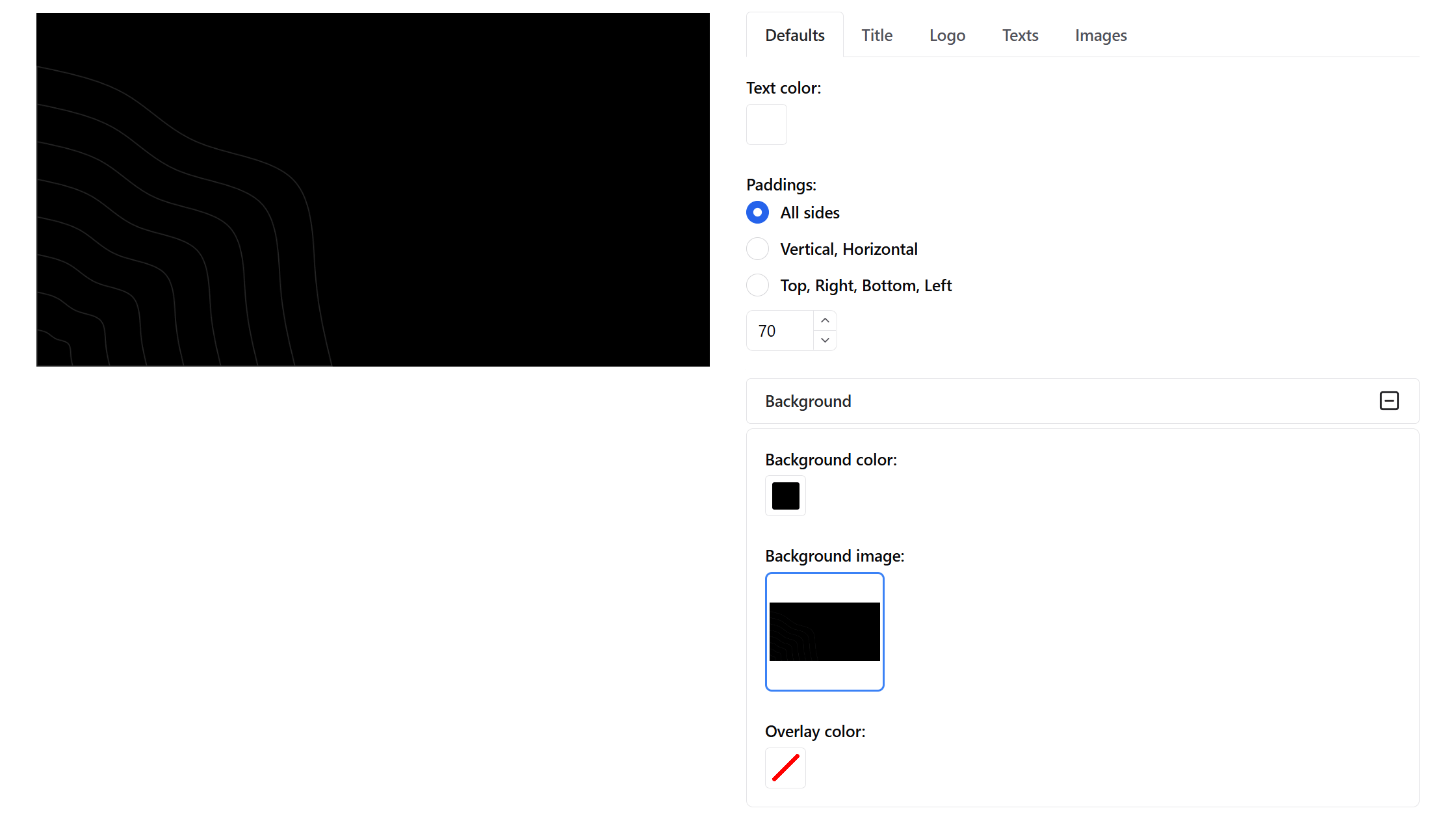
Step 1. Background
Upload a background image (in our example — a dark textured pattern).
Set a matching background color to avoid contrast issues.
Choose a contrasting text color (e.g., white).
Padding — 70 px on all sides.
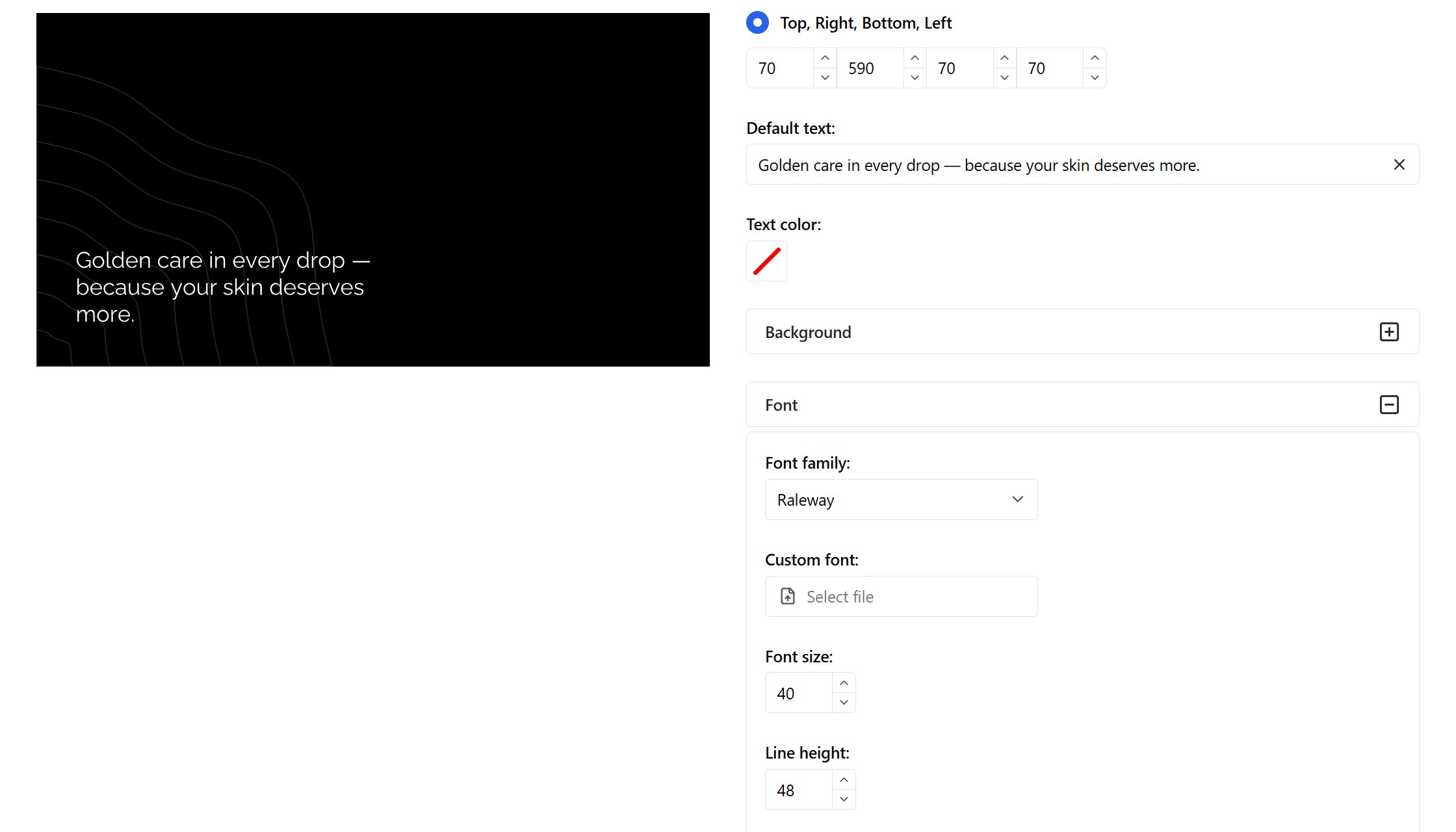
Step 2. Title
Add the title — your product name.
Font: Raleway, size — 40 px, line height — 48 px, limited to 5 lines.
Padding: 70 px on all sides, 590 px on the right.
Position — bottom left.
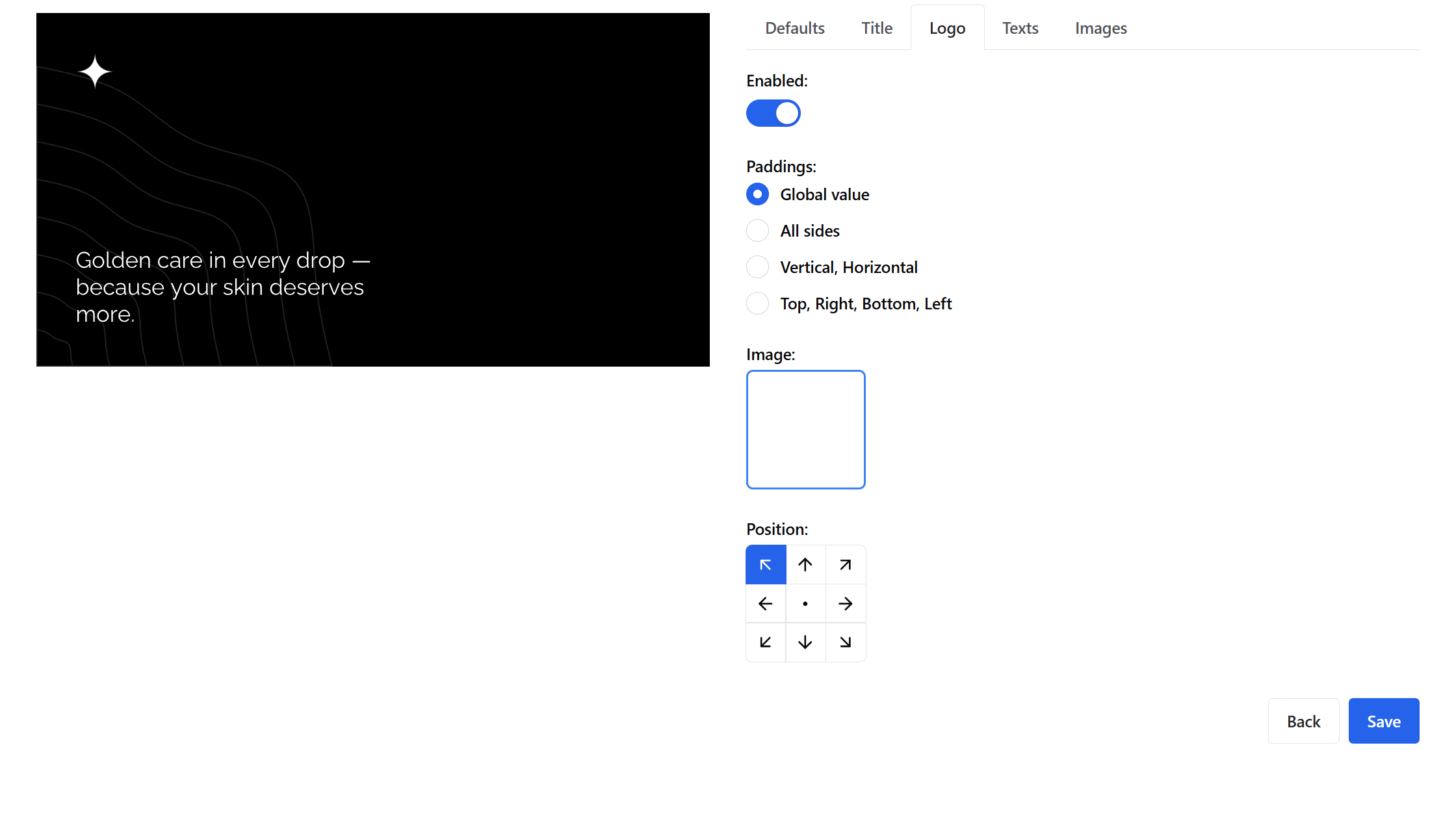
Step 3. Logo
Upload your store or brand logo.
Default padding.
Position — top left.
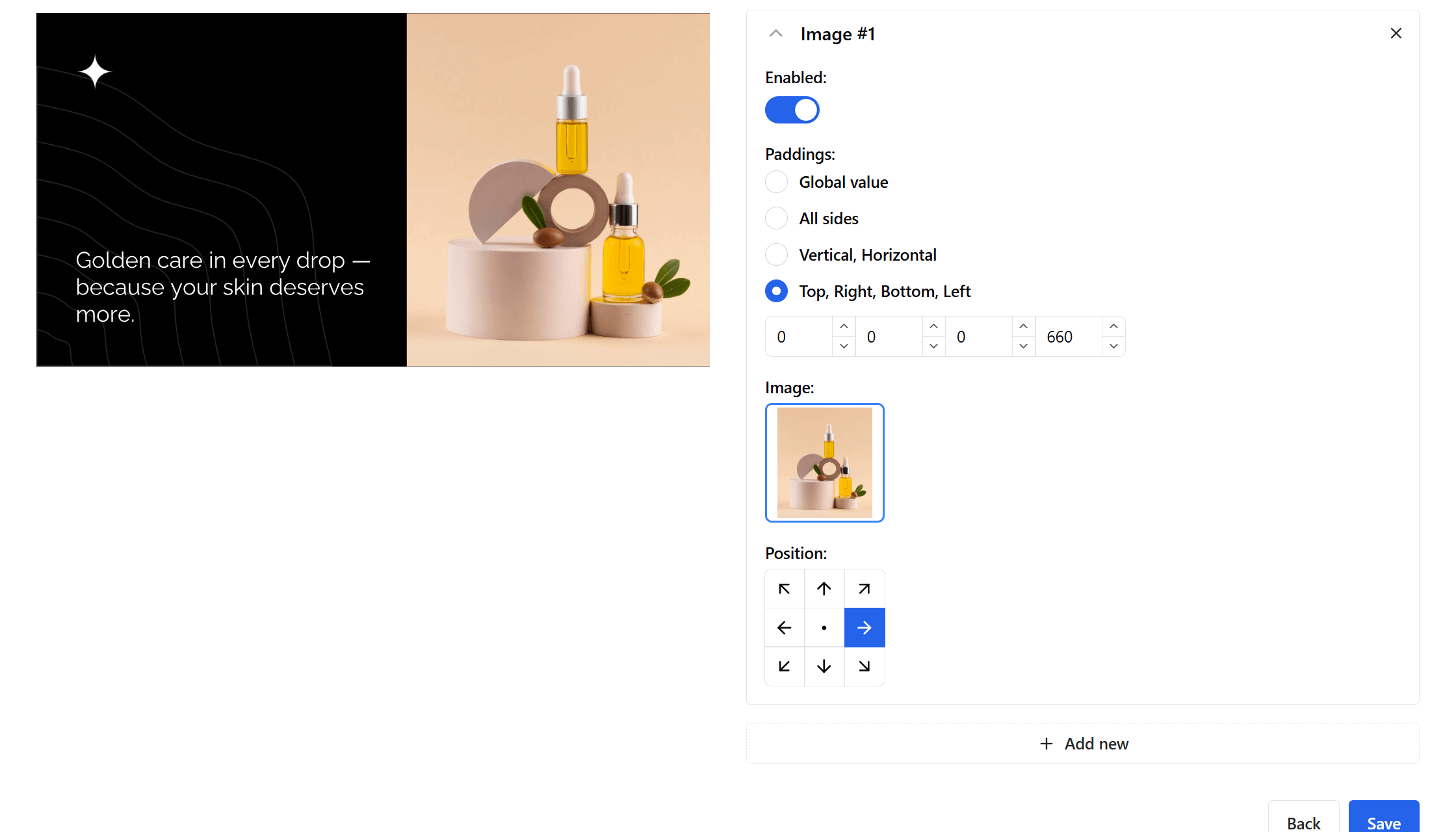
Step 4. Product Image
Add Image #1 — the main product photo.
Padding — 0 on all sides, 660 px on the left.
Position — center right.
Minimum image size — 540×630 px.
Step 5. Product Rating
Add a new text block — Text #1.
Padding — 30 px on all sides.
Use stars for rating, e.g. ⭐⭐⭐⭐⭐.
Add a black background with 5 px vertical and 10 px horizontal padding.
Limit to one line.
Font size and line height — 24 px.

Integration
To generate the preview, simply pass your product data in JSON format:
<script type="application/ogpik">
{
  "title": "Wireless Headphones X200",
  "texts": [
    "⭐⭐⭐⭐☆"
  ],
  "images": [
    "https://myshop.com/images/headphones-x200.jpg"
  ],
}
</script>
OGPik will automatically create the Open Graph image with your title, rating, and product photo.
WordPress Integration (EN)
If your e-commerce website is built on WordPress, you can easily enable automatic Open Graph image generation with the OGPik plugin.
After installation:
- Go to OGPik Settings and enter your site’s UUID.
- Choose which post types (including WooCommerce products) should have previews.
- Configure texts and images globally or individually per post.
The plugin will automatically embed the schema into your HTML and connect your site to the OGPik API.
Download OGPik WordPress Plugin
Conclusion
OGPik makes it easy to design consistent, stylish Open Graph images for e-commerce.
Each product card gets a unique branded look — automatically and without manual design work.